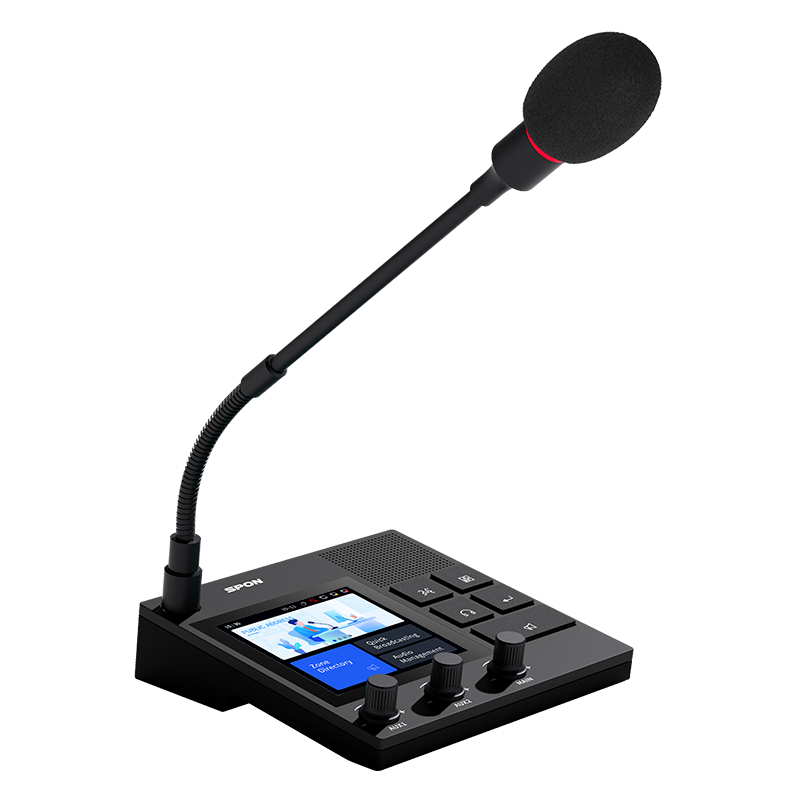
Scheduled, Zone & Unified Broadcasting: PA Guide
Modern buildings are more complex, with more rooms, more functions, and higher safety needs. They also require faster emergency response. These needs create clear problems for old analog PA systems. Today’s PA systems are not only for music or simple announcements. They take on a much bigger job: emergency broadcast, scheduled broadcasting,zone paging system, and integration with fire alarms, CCTV, and SIP phones. In hotels, campuses, tunnels, and highway projects, these functions have already become must-have features.This blog will explain what scheduled broadcasting, zone paging, and unified broadcasting are, how they work, how they differ, and how to use them together. It will also show real examples from hotels, highways, and tunnels to help you understand how to apply these functions in real projects.
What Is Scheduled Broadcasting?
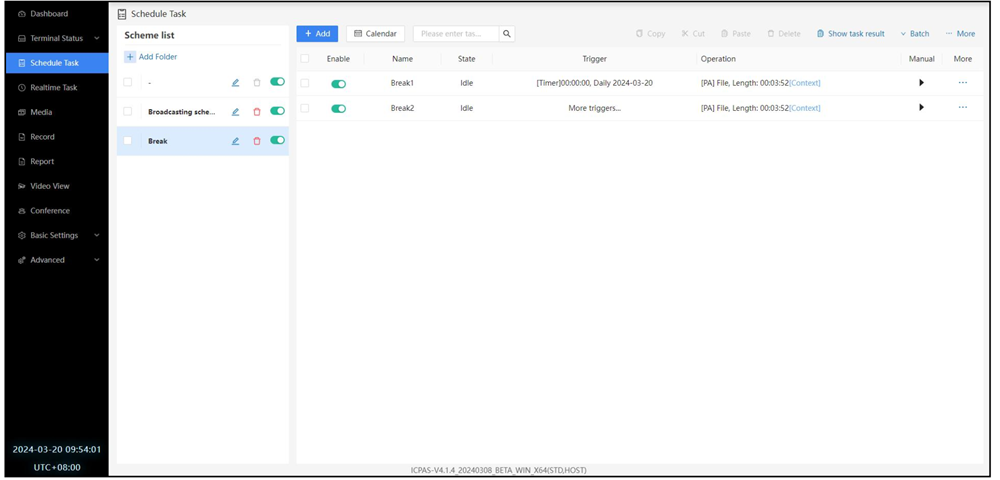
Scheduled broadcasting works through pre-set rules. The admin can set audio tasks the same way they set events in a calendar. They choose the audio file (music, bell tones, or announcements) and link it to a time or a time period. After that, the system plays it automatically with no manual action needed.This feature depends on a stable clock source and a task scheduler. In an IP audio system, the schedule can be as detailed as minute-level control. It can also follow different rules for weekdays, weekends, holidays, or seasons. For example, A factory can set work-start and work-end bells from Monday to Friday, while keeping weekends silent.A school can set class bells, break bells, eye-exercise music, and lunch music with second-level accuracy.
What Is Zone Paging?
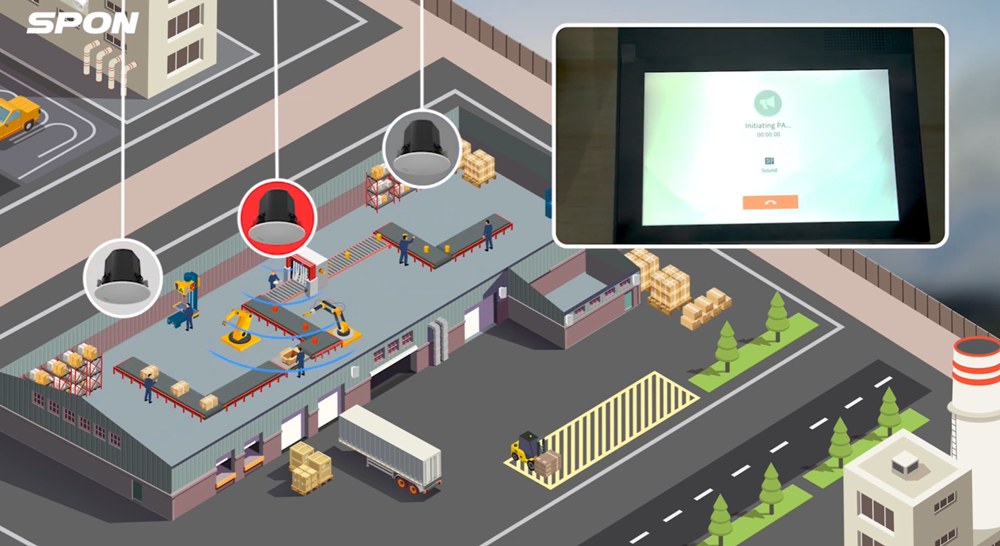
The core idea of zone paging is to break the whole building or campus into many zones. Each zone can play different content and can also be called separately. This design makes the PA system more flexible and more accurate.The key technology behind this is matrix routing. In an IP audio system, every network audio device (such as an amplifier or speaker controller) has a logical address and belongs to a specific zone. When someone makes a call or sends an announcement, the admin can choose one or more zones—just like picking contacts from a list.For example:The principal’s office can send a notice to all teaching buildings.The PE teacher can call only the playground zone for assembly.During exam season, the library and dorm areas can be set as quiet zones with no broadcast.
What Is Unified Broadcast / Mass Notification?
Unified broadcast, also called all-call, is the top-priority mode in a PA system. It can reach every device in the system and can force-stop any audio that is playing. It is mainly used in emergencies, such as fires, evacuations, or accidents.Unified broadcast is often linked to emergency plans. It can be triggered by a manual action (like a panic button in the control room), but more often it is triggered automatically. This happens through integration with fire alarms, access control, security platforms, or other sensors. Once triggered, the system follows the pre-set highest-priority command.Examples:When a subway station has a sudden crowd surge, the control center can make a unified announcement to the whole station or key transfer passages.When a major accident happens on a highway, the monitoring center can send unified voice instructions to all horn speakers within several kilometers around the scene.
Differences Between
| Broadcast Type |
Trigger Method |
Coverage Range |
Priority |
Typical Use Cases |
| Scheduled Broadcast |
Automatic (Scheduler) |
Small or multiple areas |
Low |
Background music, bells, daily reminders |
| Zone Paging |
Manual or event-triggered |
Selected zones (Zone) |
Medium |
Paging, area notices, precise control |
| Unified Broadcast |
Manual or system linkage |
All areas |
Highest |
Emergency broadcast, urgent notifications |
Application
In real projects, these three broadcast modes often work together. This makes the system more stable, more accurate, and safer. Below are three examples—hotels, highways, and schools—to show how they work in different environments.
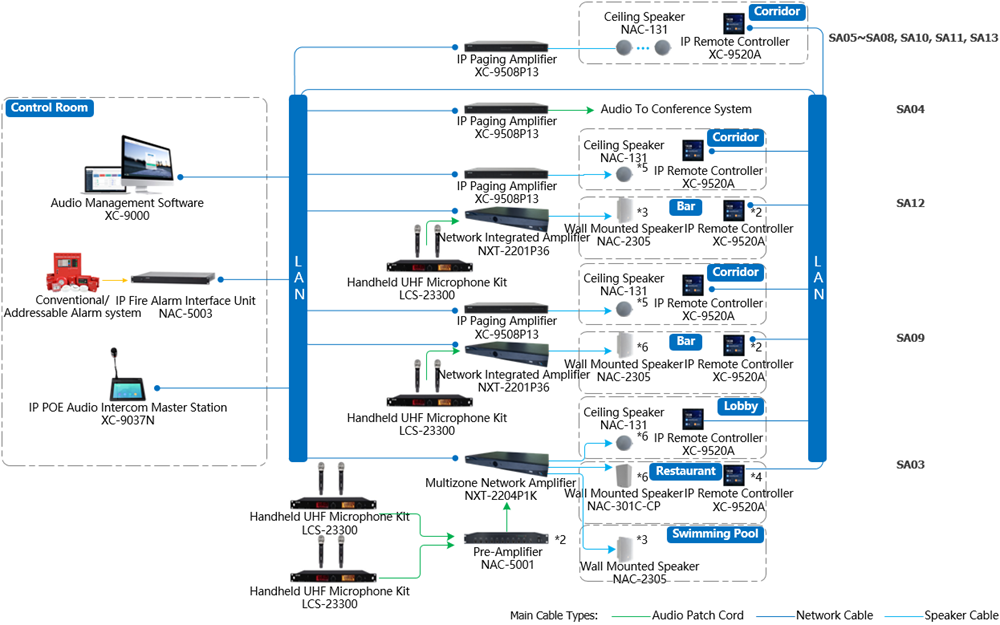
5.1 Hotel PA System
Hotels have two main needs:atmosphere (background music) and safety (emergency voice evacuation).
- Scheduled broadcasting plays different background music in the lobby and restaurant at fixed times. This helps the hotel keep a stable atmosphere every day.
- Zone paging allows the front desk to send messages only to specific areas, such as meeting rooms or public areas, without disturbing guest rooms.
- Unified broadcast handles emergency tasks. When a fire alarm is triggered, the system starts the highest-priority emergency broadcast. The whole building will play evacuation messages at the same time to ensure safety.
In hotel projects, all three broadcast modes usually work with SIP integration and the fire alarm system to achieve true centralized control and unified management.
5.2 Highway PA System
Highways cover long distances and often cross several regions. Old analog systems cannot send stable audio over tens or hundreds of kilometers. This is why an IP PA system is the only workable solution.
- Scheduled broadcasting plays safety messages, weather alerts, or traffic tips automatically to help drivers stay aware.
- Zone paging allows the control center to broadcast messages to specific road sections, such as “Accident 2 km ahead, please slow down,” without affecting other areas.
- Unified broadcast becomes the key tool during major events. In heavy rain, serious accidents, or road closures, the center can start mass notification with one click. The message will reach many road sections at the same time to guide vehicles safely.
For highways, cross-region centralized control, IP audio transmission, and remote unified command are very important.
5.3 School PA System
Schools are one of the most typical and complex public broadcast environments. A campus may include teaching buildings, playgrounds, labs, dormitories, cafeterias, libraries, and office buildings. Each area has different audio needs. This means the PA system must work well every day, respond fast in emergencies, and support precise zoning. All three broadcast types are used almost every day in a school.
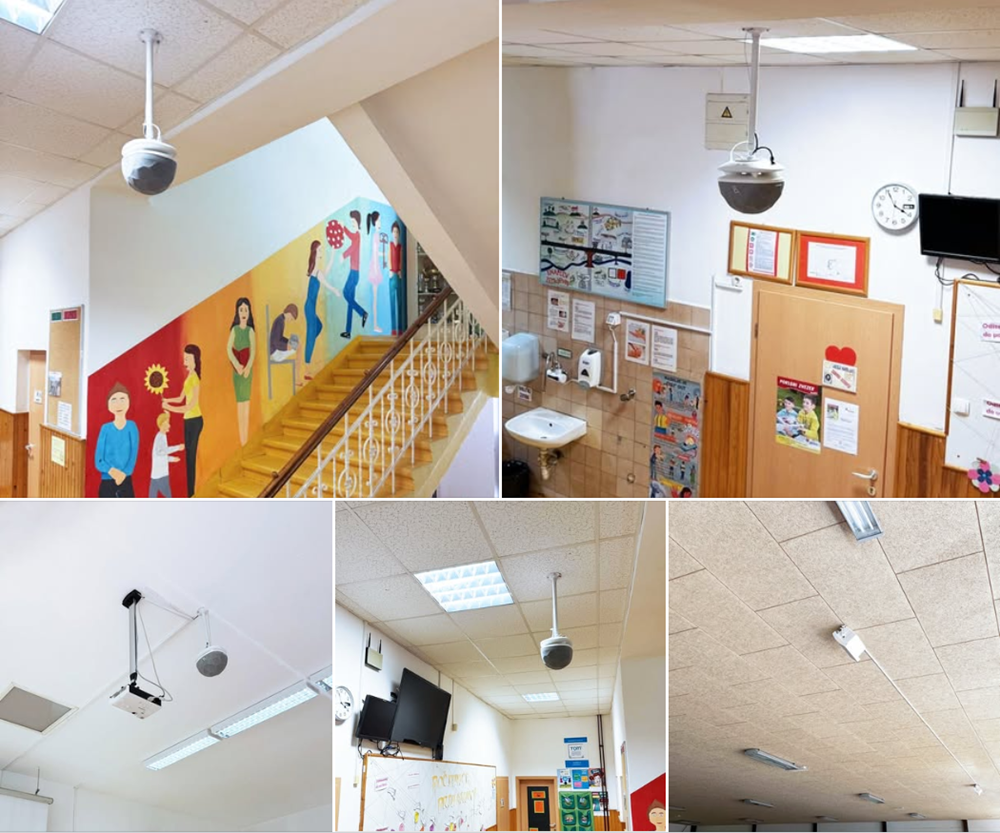
- Scheduled broadcasting plays a very important role in daily school operations. Class bells, break bells, activity music, and flag-raising music all run automatically through scheduled tasks. Staff do not need manual work, and there are no delays or wrong audio files caused by human error. This keeps the campus order stable and reduces workload.
- In multi-area environments like teaching buildings, playgrounds, and dormitories, zone paging helps the school send messages to the right place. For example, a teacher can send a notice to one building without disturbing PE class on the playground. A dorm manager can send discipline reminders only to the dorm area without affecting evening study. The more detailed the zones, the more flexible the management. Modern IP audio systems allow teachers to select zones directly using a PC or SIP phone in the office.
- When emergencies happen, unified broadcast becomes the key tool. Events like fires, earthquakes, heavy rain, or suspicious persons entering the campus will trigger the emergency broadcast. It forces all zones to play evacuation messages and can link with security systems, such as stopping elevators or opening escape doors. Many schools also connect their PA system to the government emergency platform, which requires SIP integration and centralized control.
School projects are often large, with many areas and fixed daily tasks. An IP PA system helps reduce wiring cost, improve management efficiency, and support long-term maintenance and expansion.
How to Choose the Right PA System?
Choosing a broadcast mode is not based on guesswork. It depends on the scene, the size of the project, the integration needs, and the budget. Here is a simple and useful way to decide.
6.1 Business Scenario
- If you need to handle repeated daily tasks such as bells, background music, or fixed reminders, scheduled broadcasting is the best choice. It runs automatically, needs no manual work, and is very stable.
- If your place has many areas and each area has a different function, you should use zone paging. It controls sound more accurately and avoids disturbing people in other areas. It is great for hotels, campuses, supermarkets, factories, and highways.
- If you need to handle emergencies such as fire, accidents, or tunnel evacuation, then unified broadcast is a must. It has the highest priority and will cover the whole system to protect people’s safety.
6.2 System Size
If your project is small, such as one building or a medium-sized hotel, a basic zone paging system is usually enough.But if you are working with a large campus, multiple buildings, a highway, or a cross-region project, you need an IP PA system with zone design. This ensures stable coverage and centralized management.
6.3 Integration and Expansion
If you plan to connect with CCTV, fire alarm systems, sensors, or SIP phones, you must choose a network-based PA system that supports SIP integration.Analog systems cannot handle these integration needs.
Conclusion
Scheduled broadcasting, zone paging, and unified broadcasting are three core parts of any modern PA system. They handle different jobs: automated tasks, precise area control, and emergency command. When they work together, they build a reliable, safe, and efficient communication system for hotels, transportation, education, and many other industries.Modern projects have higher and higher demands for broadcast systems. Choosing the right system structure helps daily operations run smoothly, keeps information accurate, and makes emergency response faster.



 2025-12-12
 Author: cora
 Page view: 1154


 AR
AR
 EN
EN