


 2025-11-24
 Author: Tim
 Page view: 705
Imagine this scenario: You are in a high-stakes board meeting. The Chairman presses the button to speak, but the audio is fuzzy, or worse—the camera is focused on an empty chair instead of the speaker. Frustrating, right?
The use of a strong Conference System has become a necessity in the age of hybrid work and not a luxury option anymore. It does not matter whether you are renovating a government council chamber or a corporate boardroom, it is essential to know how these systems are structured.
This guide has all the details that you may want to know about the conference systems such as simple definitions to more advanced video tracking technologies.
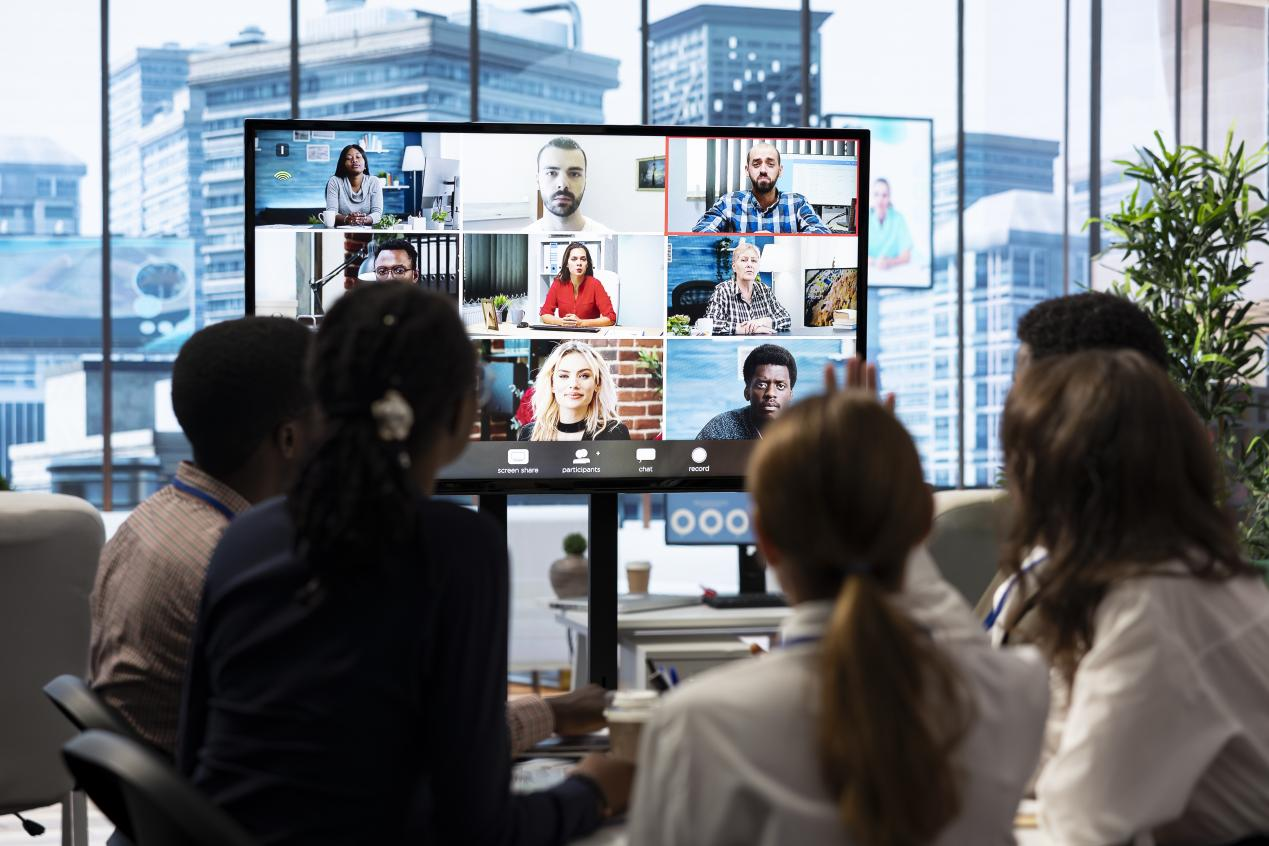
1. What is a Conference System?
System Overview
A Conference System: It is a dedicated audio-visual product, used to control communication in a meeting room. A professional conference system is able to support structured discussions unlike a mere microphone that has to be plugged in a speaker.
Typically Functions
It usually has such functions as:
• Discussion: Controlling speaker (First-in-first-out, Priority by Chairman).
• Voting: Electronic voting in making decisions.
• Video Tracking: The video cameras are automatically turned to follow the speaker in motion.
• Sign-in Function: When the host initiates the sign-in process, participants can complete attendance by clicking on their microphone unit, enabling statistical tracking of meeting sign-ins.
• Simultaneous Interpretation: In large conferences, to accommodate participants from different regions, the conference system can integrate with a simultaneous interpretation system, providing convenient translation services for attendees.
2. Common Types of Conference Systems
Depending on the mode of transmission of signal (described in our technical training), the method of conference systems is usually classified into three categories:
2.1 Daisy-Chain Digital Conference System
It is a classic wired generous configuration in which the units of the microphone are linked (in a series) (hand-in-hand) with particular cables (typically 8-pin or Cat6).
Advantages: Very steady, does not interfere with other installations, can be used to large fixed installations.
Cons: Needs cabling work, is not so flexible to move.
2.2 WiFi Conference System
Takes advantage of 2.4GHz or 5GHz of WiFi to transfer audio and data via the standard.
Advantages: Supports high bandwidth, encryption.
Cons: It is highly reliant on the reliability of the local wireless network scenario.
2.3 UHF Wireless Conference System
Transmits radio waves of Ultra High Frequency.
Advantages Easy installation (plug and play), handy in temporary installations or in historic buildings where cabling is not permitted.
Disadvantages: Small variety on number of channels, possible interference of frequencies.
3. Key Components of a Conference System
Microphones are not enough to create a working system. Here is the hardware anatomy:
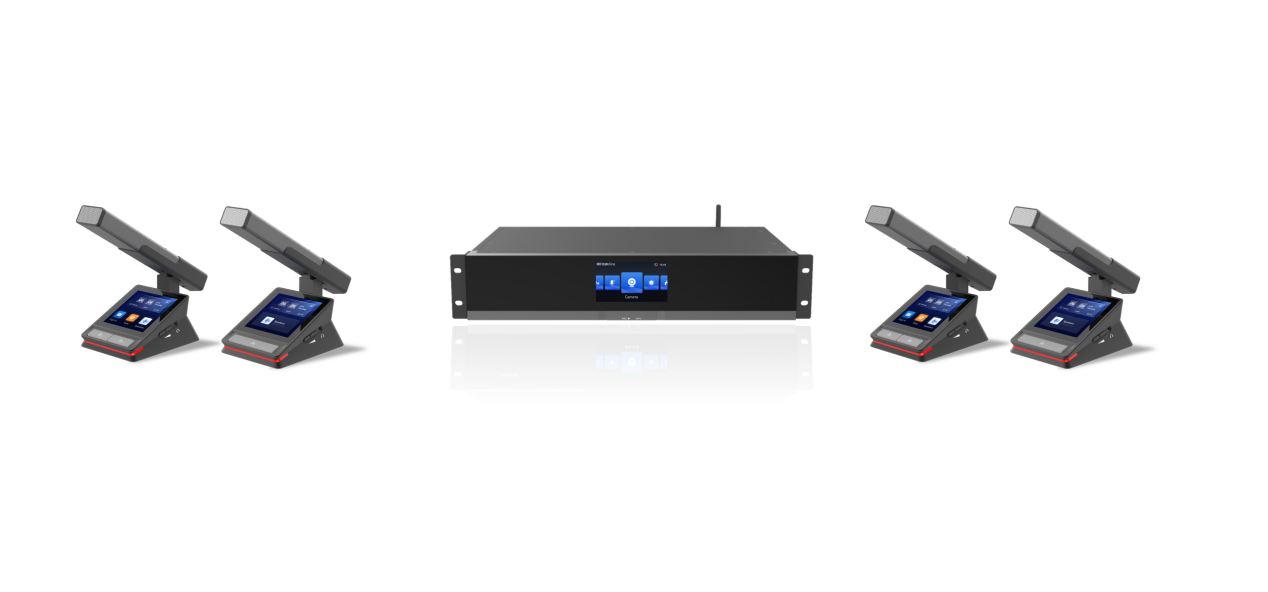
3.1 The Core: Central Control Unit (CCU)
The brain of the system is the CCU. It also drives the microphone units, executes the audio signals as well as controls the traffic of data. In modern CCUs, such as the central units provided by SPON, TCP/IP network management interfaces are frequently present and RS232/RS485 ports are also included with cameras.
3.2 Microphone Units
Chairman Unit: This has a priority button to be used when it wants to silence all other delegates so as to have order in the meeting.
Delegate Unit: The most common unit participants can talk and vote.
Design Styles: It has choices of Gooseneck (long stem) microphones which are better to pick the voice and a more sleek Desktop or Embedded design.
3.3 Video Peripherals (The Visual Layer)
Audio is only half the story. To have a modern configuration, one needs video integration:
Conference Cameras (PTZ): Pan-Tilt-Zoom cameras (such as LCS-2876-4K) offer high definition images.
Video Matrix: The device is used to control a number of video input sources (Cameras, Laptops ) and deliver them to screens (Projectors, TV Walls). It can have a smooth transition between the face of the presenter and their presentation record.
3.4 Essential Accessories
Your cabling may be the key to the reliability of your system:
video cables This kind of HDMI cables are of good quality used to connect cameras and matrices.
Control Cables: Control cables RS232 and RS485 cables control cables are essential to transmit control signals (e.g. rotating the camera).
Network Cables: Cat6 cables are currently being used when connecting digital microphone units and APs because of the high amount of data transfer.
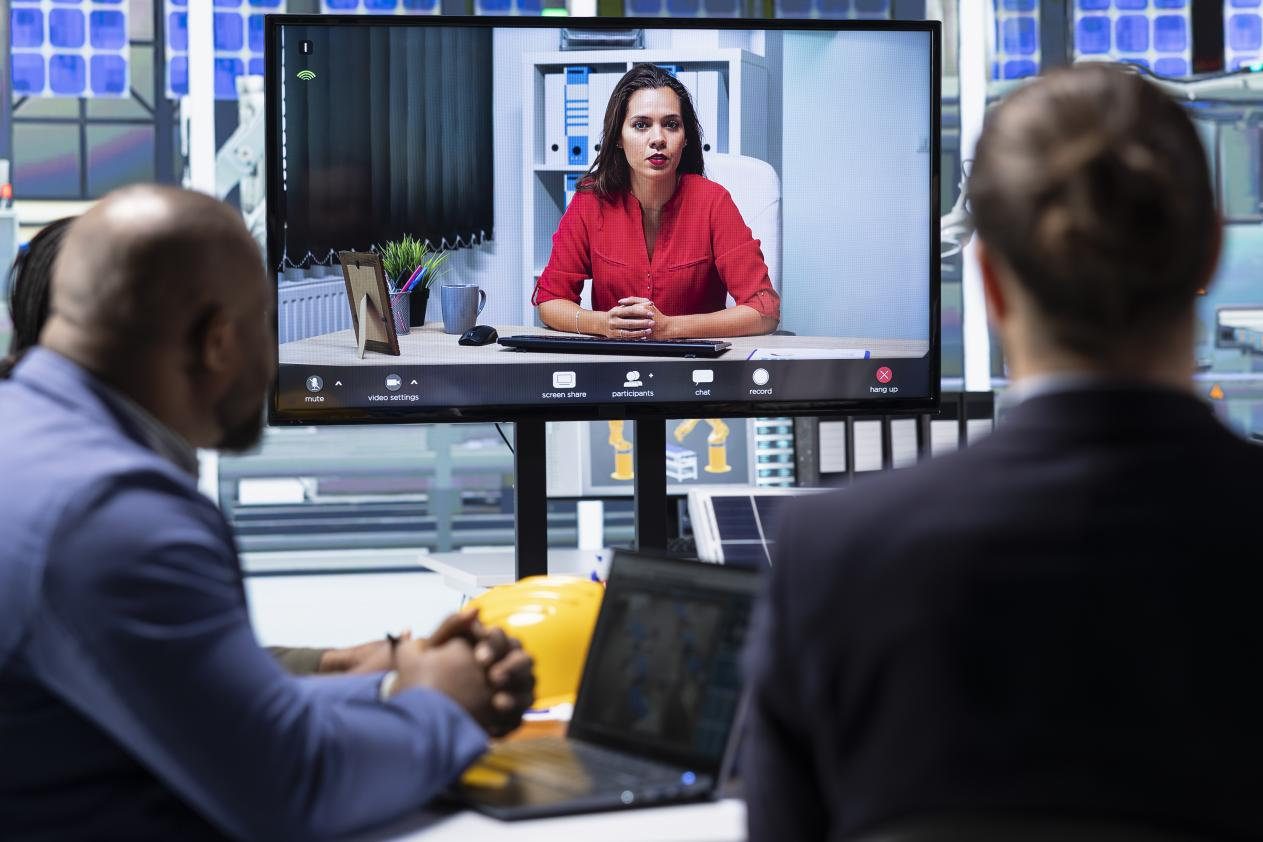
4. Advanced Feature: What is Auto Video Tracking?
Auto Video Tracking is one of the most demanded functions of 2025. But how does it work?
The magic in a SPON system occurs in the combination of the Microphone, the CCU and the PTZ Camera.
• Trigger: This happens when one of the participants presses the talk button of their microphone.
• Signal: The ID of the microphone is transmitted to the Central Control Unit.
• Command: Preset Position Command: This command is a preset position command that is sent by RS232/RS485 to the camera.
• Action: As a default action, the camera will pan, tilt and zoom to show that particular speaker.
This will remove the necessity of having a separate camera operator and will guarantee that the remote participants never miss seeing with whom they are conversing.
5. How to Choose the Right System?
Now, in choosing a conference system, you must answer these three questions:
Installation Environment: Do you have the capability to run cables (select Wired), or it is enclosed in glass (select Wireless).
Functionality: Are you after just straightforward conversation, or not so basic voting and camera work?
Scalability: Do you expect to have to add more units?
When selecting the right system, also consider hybrid flexibility and advanced integrations. Modern IP-based platforms support both wired and wireless units, adapting to different room layouts while ensuring stable, lossless audio transmission. For multilingual or international meetings, built-in simultaneous interpretation and AI noise cancellation enhance communication quality. If your venue requires expansion, look for systems that allow hot-swappable host backup and support up to dozens of daisy-chained or wireless units. Finally, intelligent web management enables real-time monitoring, personalized seating plans, and one-click control, ensuring smooth operation even in complex conferencing environments.
6. FAQ
Q1: Does it support wired conference units with wireless ones?
A1: Yes, it is. SPON’S conference system support to choose wired units and wireless units. Which enable you to set the meeting room freely.
Q2: Does Auto-Tracking operate with third party camera?
A2: Yes, it is. While using standard port and protocool, if the 3rd party camera can meet the specification needs, it works.
Q3: How can you eliminate the signal interference when using the Wifi Conference System?
A3: Some conference system support WiFi channel selection function. You can use some tools to detect the existing channels for other device and select a clear one for the wifi conference unit.
7. Conclusion
A productivity investment is a properly designed conference system. Installing a business-grade audio system and smart video peripherals will enable you to build a future-proof, efficient and professional meeting room.
Aiming to upgrade your meeting room?
SPON will provide a wide variety of IP and Analog conference features that will suit your requirements. With the finest 4K tracking camera, to the reliable digital microphone, we know how to create your perfect system.


 AR
AR
 EN
EN


